🎮 Game Controls & Keyboard Guide
Fruits Match: The Ultimate Puzzle Challenge
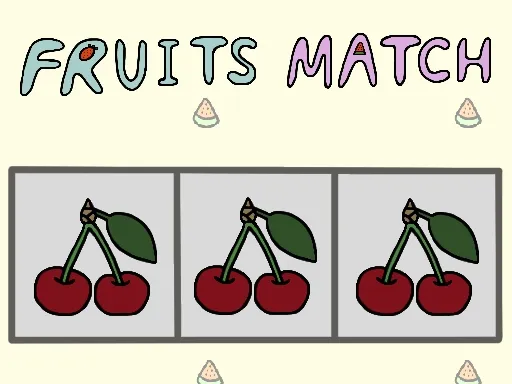
Fruits Match is a match-three game where you collect three matching tiles to clear them. Collect and clear three or more fruit tiles to solve the stage. You may use one additional deck, shuffle, or undo chance per stage. These powerups allow you to add an additional deck slot, shuffle the cards or undo your previous action. Get started today and show the world your mastery of fruit-matching!
Get ready for an adrenaline-fueled experience with Fruits Match, an exceptional Puzzle game that pushes your skills and reflexes to their absolute limits.
⚡ Key Features
📱 Cross-Platform Ready
Flawless gameplay experience on PC, Laptop, Chromebook, iPhone, iPad, and Android.
🏆 Endless Replayability
Challenging level design with increasing difficulty to test your mastery continuously.
⭐ Pro Tips & Strategy
Prioritize clearing obstacles and locked tiles early to expand available movement area. Work from the bottom of the screen upward to trigger natural cascading chain reactions.




Complete Guide & Gameplay for Fruits Match
Progress through thrilling tiers in Fruits Match by mastering advanced maneuvers. Keep your eyes on the radar and balance aggressive plays with defensive caution.
This classic Puzzle browser title is fully optimized for HTML5 browsers, delivering responsive physics and immersive action on desktop, mobile, and tablet platforms without downloads.
